Let us say it plainly first: we use these tools every day. Survol itself is built with a coding agent, in an editor, with completion, multi-file refactoring and everything this generation of tools has brought. Cursor, Claude Code, Kiro, Copilot, Windsurf: they made possible a way of working that did not exist two years ago. This article is not trying to rank them, and even less to find fault with them.
It is trying to answer a question of placement. When someone asks us "how is this different from Cursor?", the underlying question is almost always "does it replace what I already have?". The answer is no. Survol plugs in above.
A coding assistant answers "how do I write this code?". Survol answers "what are we building, where does it stand, and who decided what?".
Two layers, not two camps
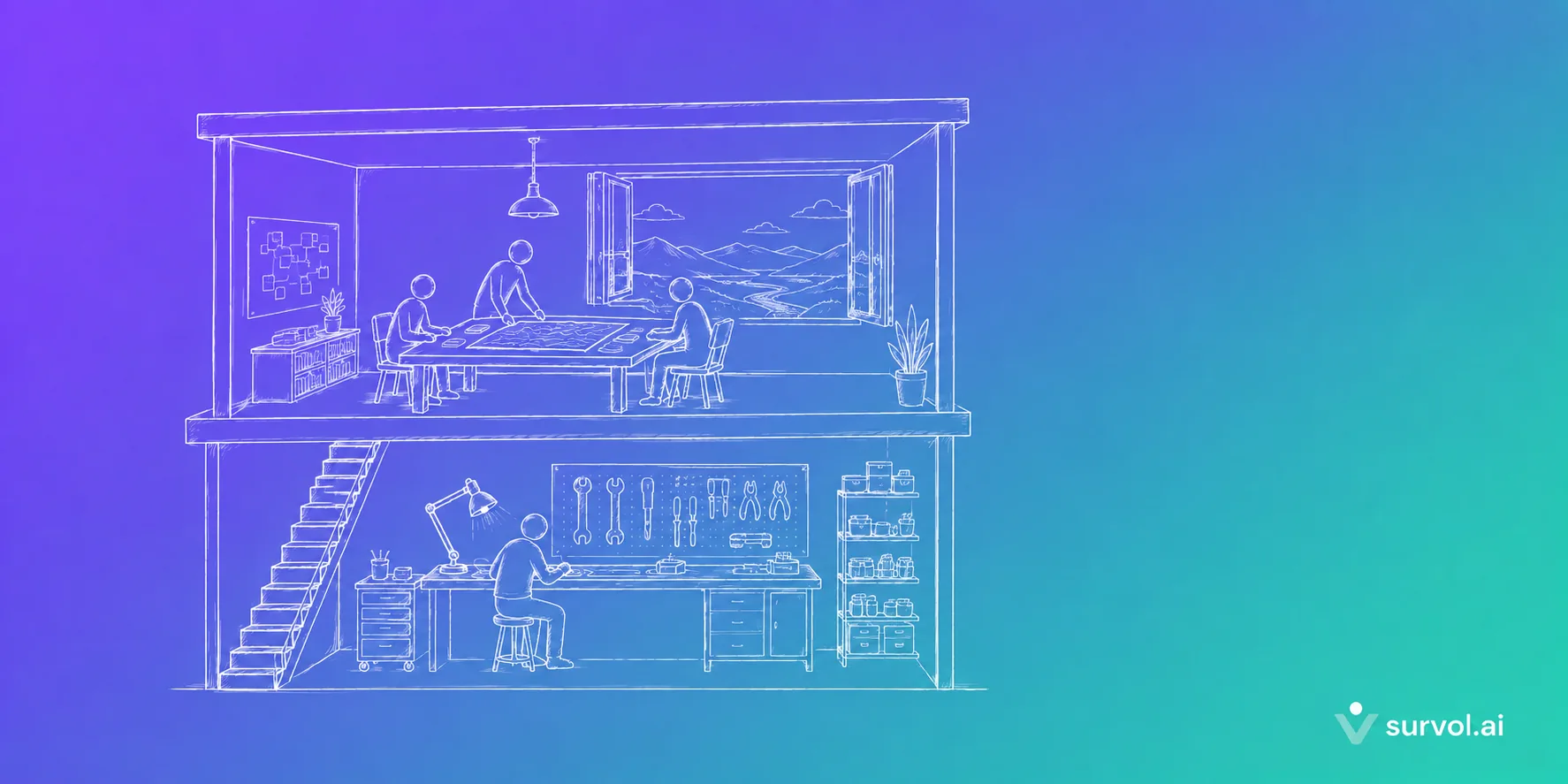
The simplest way to picture it is a stack. At the bottom, the model. Above it, the tool that puts the model into your code. Above that, the layer that steers the product and the team.
# The stack, as we see it

  ← Survol
product & team   living spec · decisions · versions · cost

  ← Cursor, Kiro, Claude Code, Copilot…
code & session   editing · completion · refactoring · task execution

  ← substitutable
model            generation, reasoning
This reading is not marketing invention: it is the one Institut Montaigne defends when it explains that dependency is not decided on models but on the orchestration layer. The model is substitutable; the layer above it, far less so. Here is what concretely changes from one layer to the next.
1. The unit of work: the file or the feature
In an AI-augmented editor, the natural unit is the file, the selection, the diff. That is the right granularity for writing code: you want to see precisely what changes.
In Survol, the unit is the feature and its version. "Promo codes v2.0" is an object: it has a spec, a lifecycle status, a branch, a merge request, a preview, a token cost, a test book and a history of decisions. You do not think in changed lines but in shippable increments. That is the granularity a product manager, an executive or a customer already think in.
2. The interface: the prompt, the task spec, or the product spec
This is the most interesting nuance, and the one where we have to be precise - because the landscape has moved fast.
A year ago the comparison would have been "prompt versus spec". It no longer holds: the whole industry is converging on spec-driven development. Kiro is the most accomplished example: it produces requirements, design and task documents before writing a single line. GitHub does the same with Spec Kit. We can only welcome that - it has been our founding conviction since day one.
The difference lies elsewhere, and Thoughtworks put it better than we could: most approaches are spec-first (you write a good spec to start a task), rarely spec-anchored (the spec outlives the task and evolves with the feature). As Birgitta Böckeler writes, "what the spec's maintenance strategy over time should be is often left vague".
That is exactly the gap Survol fills. With us, the spec is not a markdown file generated for a task and then forgotten: it is a first-class product object, versioned, linked to its shipped versions and to the decisions that shaped it. It lives as long as the product does. Writing a spec is a gesture; keeping it alive is a system.
3. Who installs it: the developer or the whole team
A coding assistant is installed on the machine of the person writing code. That makes sense: that is where it is useful. The consequence is that the person deciding the product - the PM, the executive, the non-technical founder - stays outside the tool, and gets their information through screenshots and meetings.
Survol is web first, and that is a deliberate choice: a PM should not have to install anything. Only the component that drives the agent lives on the developer's machine. Everyone looks at the same product map, with rights and roles - editor, reader, admin - and a per-feature rights matrix. Collaboration is not a side feature: it is the starting point.
4. Memory: the session or the product map
An agent session has a remarkable memory… for as long as it lasts. Recent tools extend it with context files in the repository, and that is a genuine step forward.
Survol starts from a different need: answering, six months later, "why did we decide it that way?". Product decisions there have a full lifecycle - open, accepted or rejected, then implemented - with their dates, their voters and the version that carries the change. The team's reasoning is archived in the same place as the spec it produced. That is what Simon Rimbert calls a vault: not a pile of notes, but structured context that gives shape to what you know.
5. Rules: the config file or governance
Every good agentic tool has its mechanism for persistent rules: CLAUDE.md, constitution.md, steering files, skills. The principle is excellent and we apply it too.
Where Survol adds something is in treating those rules as organisation infrastructure rather than one file per repository. Our technical constraints carry three levels of authority:
- Mandatory - never bypassed;
- Strong - the agent may challenge it with arguments, which opens a product decision for a human to settle;
- Preference - applied by default, with no drama if the context justifies deviating.
They cascade from the organisation to the product to the feature, are injected at the start of every session, and every application - like every challenge - is logged. A security rule defined once applies across every product in the company, without depending on each person's discipline in copying the right file.
6. Cost: per seat or per feature shipped
Tools on the layer below naturally bill and measure per user: that is the right unit for a workstation. Many of them offer excellent individual usage dashboards.
Survol tracks spending per session, per version and per feature. That is the unit that answers the question Uber's COO admitted he could not yet answer: drawing a line between tokens consumed and what actually shipped to users. A feature burning budget without moving forward stands out at a glance - and triggers the right conversation.
A deliberate corollary of our model: we do not resell tokens. Your AI subscription stays yours. In turnkey mode, tokens are passed through at list price, zero margin. We bill for the steering tool, not for the AI.
7. The lifecycle: from commit to production
A coding assistant takes you to the commit, often to the merge request. That is already a lot.
Survol takes over after that: test, preview and production environments, one-click promotion, one-click rollback, acceptance test books run by a human on an identified environment, human expert reviews on demand where each finding becomes a task for the agent. A feature's status - to discuss, specified, in development, in test, in preview, in production - is derived from what is actually deployed, not declared by hand.
What Survol does not do
This section matters as much as the previous ones, and we would rather write it ourselves.
- Survol is not a code editor. No inline completion, no code navigation, no built-in terminal. Your IDE stays your IDE.
- Survol does not write the code itself. It composes the context and drives an agent - yours, on your subscription, on your machine. The quality of the code is still the quality of the model you plug in.
- Survol only earns its place on a real product. For a throwaway script or a weekend of prototyping, just open your editor: a governance layer would be cost without return.
- Survol does not replace your CI, your host or your forge. It connects to them. We supervise, we own nothing.
How they live together, in practice
The most common scenario among our pilot users looks like this. The PM describes a feature in Survol and has the team approve it. The approved spec goes out as the instruction to the agent, along with the decisions already settled and the company's constraints. Meanwhile a developer picks up part of the work by hand in their favourite editor, on the same branch.
And this is where our most important principle plays out: reconciliation, not surveillance. Branches, commits and merge requests created outside Survol are detected by webhooks, and the tool offers to attach them to the right feature. In our domain model the origin of a version is neutral - agent, manual or mixed - and a hand-written version follows exactly the same lifecycle as an agent one. Never an informer's tone: we connect the work, we do not police anyone.
The takeaway
- These are not competitors but layers: the AI-augmented editor works on the code, Survol works on the product and the team.
- The spec has become common ground across the industry. The question still open is its maintenance over time - that is where we sit.
- Three things cannot be settled inside an editor: collective decisions, governance at organisation scale, and the link between spending and what ships.
- Your IDE stays yours, your agent too, and so does your code. Survol plugs in above - and unplugs without taking anything with it.
If you ask us which one to choose, the answer is probably "both". Keep the tool that makes you happy in the editor; it does a job we are not trying to do. The question we answer starts when you close the editor: what is actually done, in which version, and why did we decide that?